Secure the Supermarket Tier Lists
Meta rankings for security gear — what to buy and what to skip.
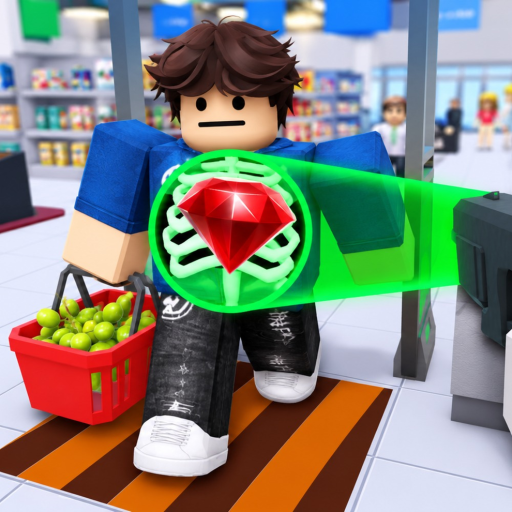
Tier lists on this wiki rank security gear and related loadout choices in Secure the Supermarket by STOP STEALING!!! Cash is limited, difficulty scales with every customer you check, and boss-tier thieves punish weak builds. Use this hub to find current meta picks without wasting shifts on cosmetic batons.
Detailed rankings live on subpages — start with Gear Ranking for purchase order synced to Cash & Upgrades.
Why tier lists matter here
Unlike generic Roblox sims, Secure the Supermarket combines:
- Receipt throughput from Receipt Scanning
- Detain power from Catching Shoplifters
- Boss checks from Bosses & Final Thief
Gear that excels at one phase may flop in another. Tier lists note PvE shift vs elite criminal value.
Available tier lists
| List | Focus | Link |
|---|---|---|
| Gear Ranking | Security tools, scan assists, detain weapons | Gear Ranking |
| Class Ranking | Class buy order and tier framework | Class Tier List |
Future lists (utility gadgets, paid Robux gear) will appear here when verified — watch Updates. After buying classes, read Class Tier List for loadout priority alongside gear rankings.
How we tier items
Rankings consider:
- Cash efficiency — stats per dollar from early to late game
- Reliability — hit detection and range on mobile and PC
- Scaling — performance when customer volume spikes
- Boss viability — final thief and powerful criminal prep
Items are labeled S / A / B / C / D in subpages. S means meta-defining; D means skip except for collection or badges on Badges & Achievements.
Tier list limitations
STOP STEALING!!! can rebalance gear anytime. Inspired-by-Airport stats do not transfer literally. No verified codes shortcut gear — see honest Codes status.
Cross-check names and descriptions on the Gear database before buying.
Using tier lists with guides
Recommended flow:
- Learn mechanics on Getting Started
- Earn Cash using Shift Planner targets
- Buy from Gear Ranking top picks for your phase
- Re-tier after major patches
Meta shifts to watch
- New supermarket areas [SOON] may introduce zone-specific counters
- Electricity or repair mechanics may elevate utility gear (not confirmed)
- Paid items may bypass grind — compare carefully before Robux spends
Related pages
- Guides Hub — mechanics
- Scripts — automation bypasses tier learning at ban risk
- Official Links — play on Roblox
Rank smart — the final thief reads your receipt before you read theirs.
Reading tier list updates
When STOP STEALING!!! patches gear, compare three signals before moving an item between tiers: your personal shift performance, crowd consensus after 48 hours, and any numeric change visible in the shop UI. A single lucky boss kill does not make a D-tier bat S-tier — sample at least three shifts on Receipt Scanning heavy nights and two chase-heavy nights from Catching Shoplifters.
Document personal tier shifts in notes beside Shift Planner worksheets so you remember why you skipped a popular pick. Meta is personal until leaderboards exist (not confirmed).
Frequently Asked Questions
Quick answers to the most common questions.
Which tier list should I read first?
Gear Ranking covers security equipment purchase order for most players. Return here when new lists are added.
How often are tier lists updated?
After balance patches documented on Updates and when new gear appears in the Gear database.
Are Robux items included?
Only when verified and compared to earned gear. Default rankings focus on Cash shop tools.
Do tier lists apply to mobile?
Yes, but prioritize tools with reliable touch activation. See Controls for platform notes.